
This file introduce the copyright information of Edimax Technology Co, LTD's products.
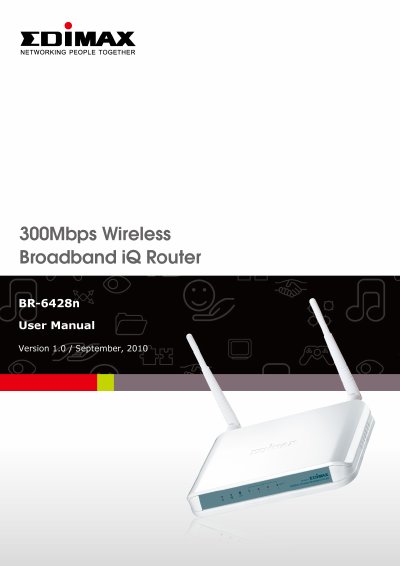
This manual provides instructions for the Edimax BR-6428n wireless broadband router, designed for small office and home office users. It details how to establish network connections, configure the router via a web browser, and manage wireless settings. The device supports IEEE 802.11b/g/n wireless LAN and offers features like WPS, QoS, and firewall protection.
| Wireless Standard | IEEE 802.11b/g/n |
|---|---|
| Wireless Speed | up to 300 Mbps |
| LAN Ports | Four wired LAN ports (10/100M) |
| WAN Port | one WAN port (10/100M) |
| Max LAN Users | up to 253 |
| Power Input | 100 – 240 V, 50/60Hz |
The default IP address is 192.168.2.1.
Download the file from the website, use the firmware upgrade function in the web interface, and click 'Apply'.
Yes, it supports WPS (Wi-Fi Protected Setup) to establish secure connections quickly.