
Aruba 555 Access Point Installation Guide describes the hardware components of the Aruba 555 Access Point (AP-555), including the System Status LED, physical interfaces, and security features.
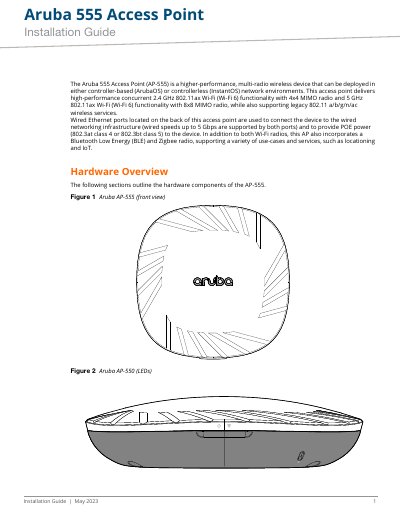
This guide provides step-by-step instructions for installing the Aruba 555 Access Point, including hardware overview, LED indicators, Ethernet and USB ports, power options, and pre-installation checklist. It also covers RF planning and known interference sources to ensure optimal performance.
The AP-555 supports Wi-Fi 6 with 4x4 and 8x8 MIMO radios, BLE, and Zigbee for IoT and location services. It can be powered via PoE (802.3at/802.3bt) or DC (48V), with dual Ethernet ports supporting up to 5 Gbps.
| Wi-Fi Standards | 802.11ax (Wi-Fi 6) 2.4 GHz 4x4 MIMO and 5 GHz 8x8 MIMO |
|---|---|
| Ethernet Speed | Up to 5 Gbps |
| PoE Support | 802.3at class 4 or 802.3bt class 5 |
| Bluetooth | Bluetooth Low Energy (BLE) |
| USB Power | Up to 5V/1A |
| DC Power Input | 48V DC |
It supports 802.11ax (Wi-Fi 6) with 4x4 MIMO on 2.4 GHz and 8x8 MIMO on 5 GHz, plus legacy 802.11 a/b/g/n/ac.
Up to 5 Gbps on both Ethernet ports.
It indicates device power state and operational condition, including booting, deep sleep, restricted power, or error.