
This document provides installation instructions for the Aruba Instant On AP15 access point, covering hardware setup, mounting, and configuration.
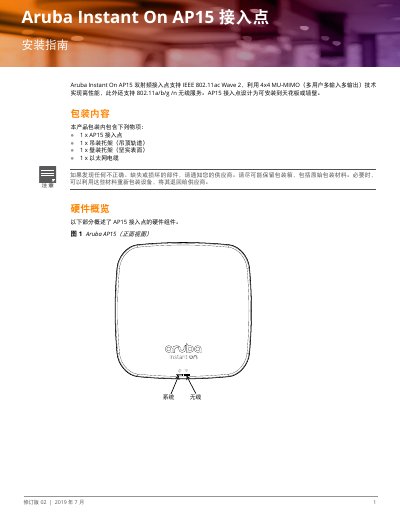
This guide details the installation process for the Aruba Instant On AP15 access point. It covers unpacking, hardware overview, and the use of included mounting brackets for ceiling or wall installation. The document also explains how to reset the device to factory defaults using the reset button. This manual is written in Chinese.
| Wireless Standard | IEEE 802.11ac Wave 2 |
|---|---|
| MIMO Technology | 4x4 MU-MIMO |
| Ethernet Port | 100/1000Base-T Auto MDI/MDX |
| PoE Standards | IEEE 802.3at and 802.3af |
| DC Power Input | 12 Vdc (+/- 5%) |
| DC Connector | 2.1/5.5 mm |
Press and hold the reset button for more than 10 seconds during normal operation, or press it while powering on the device during startup.
A dedicated Aruba 12V/30W power adapter or any DC power adapter meeting 12 Vdc (+/- 5%) and at least 18W specifications.
The system LED shows off when unpowered, blinking green during startup, and solid green when ready.