
This manual introduces the basic operations of the D-Link DAP-1325 N300 Wi-Fi Range Extender, including setup, configuration, and troubleshooting.
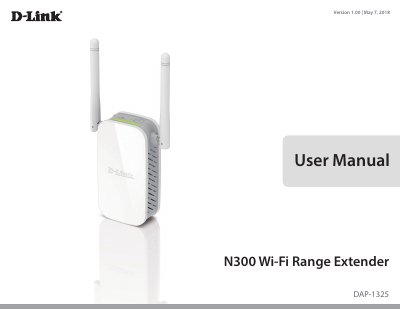
The D-Link DAP-1325 N300 Wi-Fi Range Extender extends your wireless network to areas with poor signal, supporting up to 300 Mbps. It features WPS for easy setup, Smart Signal LEDs to help locate the best placement, and compatibility with 802.11n and g devices. The manual covers installation, configuration via web or mobile app, and security settings including WPA/WPA2.
| Wireless Standard | IEEE 802.11n, IEEE 802.11g, IEEE 802.11u |
|---|---|
| Wireless Frequency Range | 2.4 GHz to 2.4835 GHz |
| Ethernet Port | 10/100 Fast Ethernet Port |
| Maximum Power Consumption | 5.5 Watts |
| Operating Temperature | 0 to 40 °C (32 to 104 °F) |
| Dimensions | 97.9 x 50.7 x 48.7 mm (3.85 x 2.00 x 1.91 inches) |
| Weight | 97 grams (3.42 ounces) |
Press the WPS button on the extender and use the WPS-PBC method on your router to connect the devices.
Up to 300 Mbps, based on IEEE 802.11n standards.
WPA, WPA2, WPA-PSK, and WPA2-PSK with support for Extensible Authentication Protocol (EAP).
Use the Smart Signal LED to visually assess signal strength and test multiple locations.