
This file is an installation guide for Avigilon H5A bullet cameras
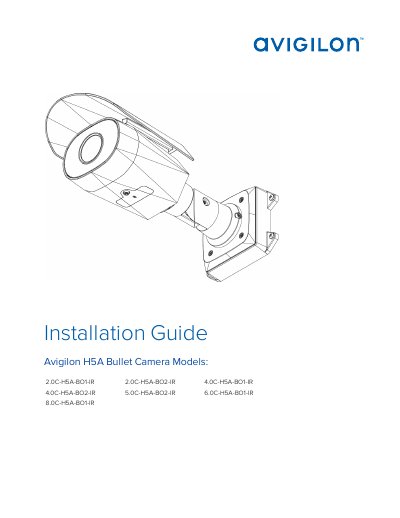
This guide provides step-by-step instructions for installing Avigilon H5A Bullet Camera models, including mounting, cable connections, IP configuration, and troubleshooting. It includes safety warnings, regulatory compliance, and details on power requirements and network setup. The guide also covers how to reset the camera to factory defaults and configure SD card storage if applicable.
The document is intended for qualified personnel and includes warnings about electrical hazards, proper power supply use, and environmental conditions to avoid damage or injury.
The product is intended to be supplied by a UL Listed Power Unit marked “Class 2” or “LPS” or “Limited Power Source” with output rated 12 VDC or 24 VAC, 13 W min. or Power over Ethernet (PoE), rated 48 VDC, 13 W min.
Use the firmware revert button: unscrew the configuration panel cover, press and hold the button for 3 seconds with a paperclip, then reattach the cover.
Use the command prompt to run 'arp -s