
This guide provides installation, cabling, and IP configuration instructions for the Avigilon ENC-4P-H264 analog video encoder.
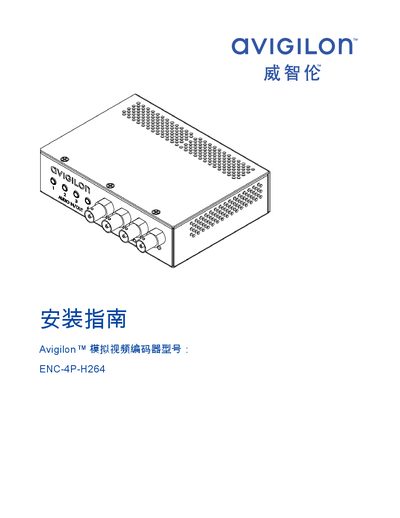
This document is the installation guide for the Avigilon ENC-4P-H264 analog video encoder. It covers safety precautions, required tools, and the standard kit contents. The guide details the physical installation of the encoder into a rack mount bracket and the connection of various cables including power, Ethernet, and analog video inputs. This manual is written in Chinese.
| Video Input | Four BNC inputs |
|---|---|
| Power Supply (External) | 12 VDC or 24 VAC |
| Power Supply (PoE) | 48 VDC |
| Minimum Power Rating | 8 W |
| Default Username | admin |
| Default Password | admin |
If DHCP fails, the Zeroconf method assigns an IP address in the 169.254.0.0/16 subnet.
No, it is designed for indoor use only; an outdoor-rated enclosure is required for outdoor applications.
The default username is admin and the default password is admin.