
Key facts
- Brand
- Avigilon
- Model
- H5A
- Category
- Other Electronics
- Documents
- 2
- Languages
- EN
- Last added
- 2023-10-17
Start here
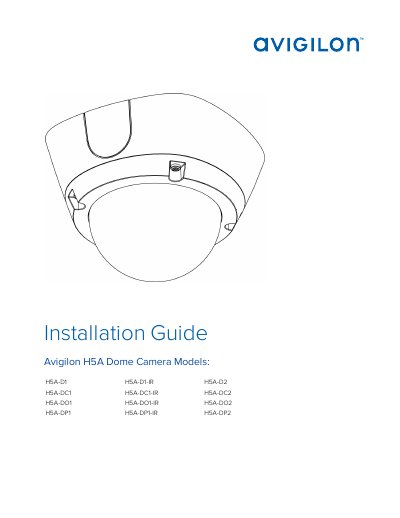
Avigilon H5A Dome Camera Installation Guide
This document provides comprehensive installation instructions for the Avigilon H5A series of dome cameras. It covers various mounting configurations, including surface mount, in-ceiling mount, outdoor surface mount, and pendant mount installations for both indoor and outdoor models. The guide details the necessary tools, materials, and step-by-step procedures for mounting the camera, connecting cables, and securing the dome cover.
Read onlineAvigilon H5A specifications
| Power Supply | 12 VDC or 24 VAC, 13 W min. or PoE 48 VDC, 13 W min. |
|---|---|
| Indoor Models | H5A-D and H5A-DC |
| Outdoor Models | H5A-DO and H5A-DP |
All Avigilon H5A documents by type
Mounting, wiring and first power-up. Read it before the hardware goes in.
Questions answered in these manuals
Who should perform the installation?
Installation must be performed by qualified personnel only, and must conform to all local codes.
What models are covered in this installation guide?
The guide covers H5A- D1, H5A- D1-IR, H5A- D2, H5A- DC1, H5A- DC1- IR, H5A- DC2, H5A- DO1, H5A- DO1- IR, H5A- DO2, H5A- DP1, H5A- DP1- IR, and H5A- DP2.
What power supply is required for the camera?
The product is intended to be supplied by a UL Listed Power Unit marked “Class 2” or “LPS” or “Limited Power Source” with output rated 12 VDC or 24 VAC, 13 W min. or Power over Ethernet (PoE), rated 48 VDC, 13 W min.
From: Avigilon H5A Bullet Camera 2.0C-H5A-BO1-IR Installation Guide
How do I reset the camera to factory defaults?
Use the firmware revert button: unscrew the configuration panel cover, press and hold the button for 3 seconds with a paperclip, then reattach the cover.
From: Avigilon H5A Bullet Camera 2.0C-H5A-BO1-IR Installation Guide