
This manual describes how to install the Avigilon H5A dome camera
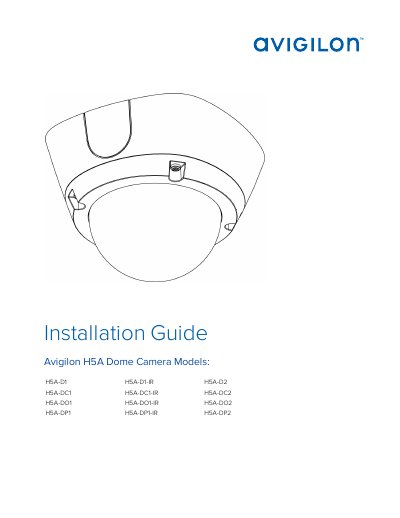
This document provides comprehensive installation instructions for the Avigilon H5A series of dome cameras. It covers various mounting configurations, including surface mount, in-ceiling mount, outdoor surface mount, and pendant mount installations for both indoor and outdoor models. The guide details the necessary tools, materials, and step-by-step procedures for mounting the camera, connecting cables, and securing the dome cover.
| Power Supply | 12 VDC or 24 VAC, 13 W min. or PoE 48 VDC, 13 W min. |
|---|---|
| Indoor Models | H5A-D and H5A-DC |
| Outdoor Models | H5A-DO and H5A-DP |
Installation must be performed by qualified personnel only, and must conform to all local codes.
The guide covers H5A- D1, H5A- D1-IR, H5A- D2, H5A- DC1, H5A- DC1- IR, H5A- DC2, H5A- DO1, H5A- DO1- IR, H5A- DO2, H5A- DP1, H5A- DP1- IR, and H5A- DP2.
The product is intended to be supplied by a UL Listed Power Unit marked “Class 2” or “LPS” or “Limited Power Source” with output rated 12 VDC or 24 VAC, 13 W min. or Power over Ethernet (PoE), rated 48 VDC, 13 W min.
The UPS must have a backup run time of greater than 5 seconds (>5S) for the power level as specified on the product datasheet.