
This file is an e-manual for ASUS notebook PCs. It contains information on how to use the product, maintain and repair it.
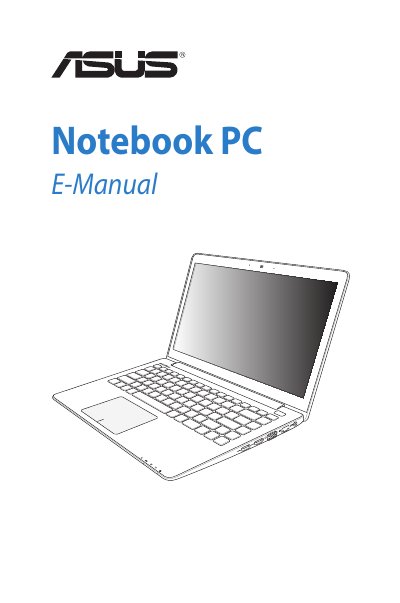
This document serves as a comprehensive user guide for the ASUS E7847 Notebook PC. It covers essential topics such as safety precautions, hardware identification, and initial setup procedures. The manual details how to use the device's physical components, including the keyboard, touchpad, and various ports, as well as how to charge the battery and power on the system.
The guide also provides extensive instructions for operating the device under the Windows 8 operating system, explaining the user interface, apps, and connectivity options like Wi-Fi and Bluetooth. Additionally, it includes a chapter on the Power-on Self Test (POST) and BIOS settings, allowing users to access system configuration and troubleshoot hardware issues.
The device should only be used in environments with ambient temperatures between 5°C (41°F) and 35°C (95°F).
Do not leave your Notebook PC on your lap or near any part of your body.
You should not expose the device to magnetic detectors and wands while using x-ray machines.