
SANYO LINE CHECKER Software User Manual

Provide the user manual of LINE Checker software, including the instructions on how to start, close, monitor, record data, read record data and troubleshoot the software
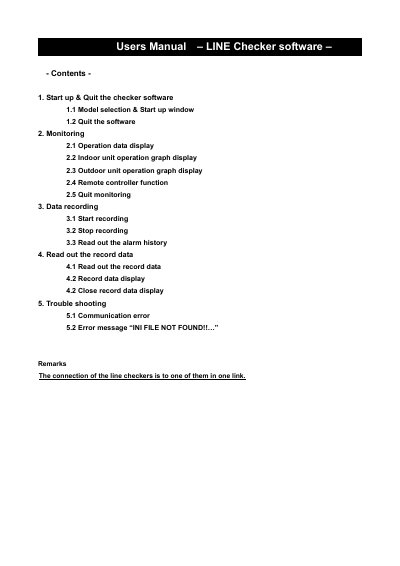

SANYO LINE CHECKER Software User Manual - cover page
Brand
Sanyo
Category
Other Electronics
Document type
User Manual
Language
English
Pages
22
File format
PDF
File size
527 KB
Published
17 October, 2023
Updated
17 October, 2023
MD5 checksum
FB777BFA5174D9C9E09E784816853B8A

About this manual

This manual provides instructions for operating the LINE CHECKER software, including how to start up and quit the application. Users can select system models and view operation data for both indoor and outdoor units of air conditioning systems.

What's inside

  • Start up & Quit the checker software
  • Monitoring
  • Data recording
  • Read out the record data
  • Trouble shooting

Frequently asked questions

What happens if the wrong model type is selected?

The monitor display will not show correct values of the system.

What does the error message INI FILE NOT FOUND mean?

It means the software version is old and needs to be updated.

Download PDF (527 KB)

More Sanyo Manuals


View all Sanyo manuals →