
Sanyo VPC-HD2000EX/VPC-HD2000/VPC-HD2000GX Instruction Manual

This manual explains how to safely operate the VPC-HD2000EX, VPC-HD2000 and VPC-HD2000GX. Any information regarding only one of these products will be labeled as such.
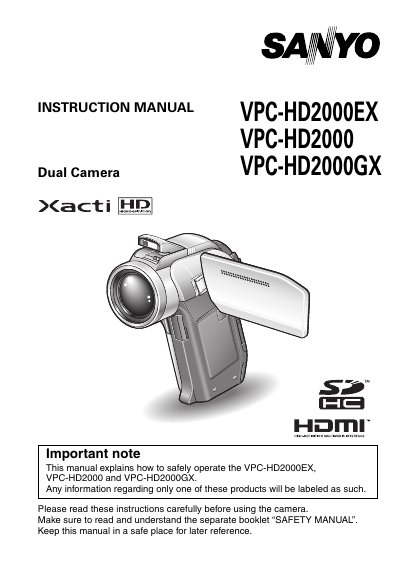

Sanyo VPC-HD2000EX/VPC-HD2000/VPC-HD2000GX Instruction Manual - cover page
Brand
Sanyo
Category
Digital cameras
Document type
User Manual
Language
English
Pages
227
File format
PDF
File size
3.7 MB
Published
17 October, 2023
Updated
17 October, 2023
MD5 checksum
05F26470E33B93E35AA8599A5DEF2531

About this manual

This instruction manual explains how to safely operate the Sanyo VPC-HD2000EX, VPC-HD2000, and VPC-HD2000GX dual camera devices. It covers essential procedures such as inserting the SD Memory Card, connecting the AC adaptor, and powering the device on and off. Users are advised to read the separate "SAFETY MANUAL" before using the camera.

What's inside

  • Preparing the camera
  • Shooting
  • Playback
  • Setting the date and time
  • Other devices and connections
  • Xacti Software CD Instruction Manual
  • Commonly Asked Questions
  • Troubleshooting
  • Hints for taking pictures
  • Night photography

Frequently asked questions

What memory card is required for this camera?

An SD Memory Card is required, but it is not included with the camera and must be purchased separately.

What is the model number of the camera?

The model number is VPC-HD2000.

What should users do if the camera causes interference to radio or TV reception?

Try reorienting or relocating the receiving antenna, increasing separation between equipment and receiver, or connecting the equipment to a different circuit.

Download PDF (3.7 MB)

More Sanyo Manuals


View all Sanyo manuals →