
This document introduces the features and design of the PLC-XU75/XU78 projector, including portability, durability and ease of use. It also introduces the projector's compatibility, simple computer system setup, digital zoom (for computers), noise reduction function, blackboard function and quick termination.
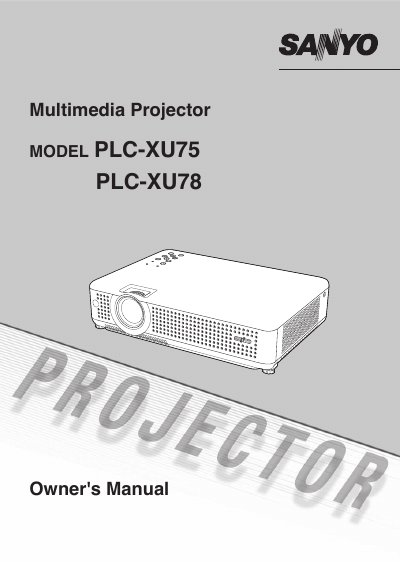
This manual provides detailed instructions for operating the Sanyo PLC-XU75 and PLC-XU78 multimedia projectors. It covers setup, connection to computers and video equipment, menu navigation, image adjustment, and safety precautions. The projector supports multiple input formats and includes features like digital zoom, noise reduction, and multilingual menus. Maintenance sections detail cleaning, lamp replacement, and troubleshooting.
Safety guidelines emphasize proper ventilation, avoiding moisture, and unplugging the unit during prolonged non-use or lightning storms to prevent damage or hazards.
| Input Compatibility | Computers, 6 Color systems (PAL, SECAM, NTSC, NTSC4.43, PAL-M, PAL-N), Component video, S-Video, RGB Scart |
|---|---|
| Color Palette | 16.77 million colors |
| Language Support | 16 languages: English, German, French, Italian, Spanish, Portuguese, Dutch, Swedish, Finnish, Polish, Hungarian, Romanian, Russian, Chinese, Korean, Japanese |
| Digital Zoom | Approx. 16x expansion or 50% compression |
Yes, it supports multiple video systems including PAL, SECAM, NTSC, NTSC4.43, PAL-M, and PAL-N.
The menu is available in 16 languages including English, German, French, Spanish, Chinese, Korean, and Japanese.
Use the digital zoom function to expand or compress the image up to 16x or 50% respectively.