
This manual introduces the basic information of VS-06 Smart Camera, including product features, functional applications, package contents, product models, etc., and provides detailed introduction to system components, hardware components, installation instructions, operation instructions, etc.
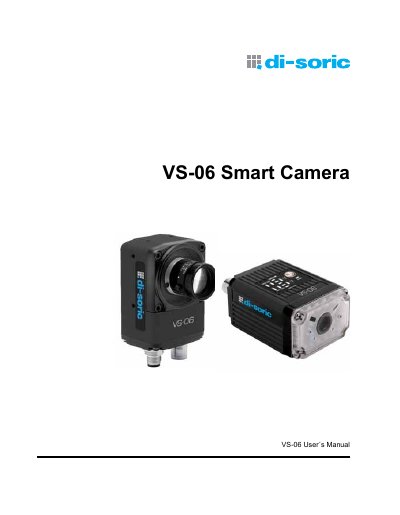
The di-soric VS-06 Smart Camera is a compact industrial vision system designed for environments requiring IP65/67 enclosures and rugged M12 connectivity. It features a built-in CMOS or CCD sensor with a liquid lens autofocus system, allowing for real-time dynamic focusing from 33 mm to infinity. The camera supports multiple resolutions, including SXGA, WVGA, and WUXGA, and includes integrated lighting and Ethernet capabilities.
| Resolutions | SXGA (1280 x 960), WVGA (752 x 480), WUXGA (2048 x 1088) |
|---|---|
| Focal Range | 1" (33 mm) to ∞ |
| Shutter Type | Global Shutter |
| Enclosure Rating | IP65/67 |
Power on the unit and hold the AutoVision button down until the green flash illuminates once. For C-Mount versions, hold the button down for approximately 30 seconds.
The unit is configured for IP address 192.168.0.10 with subnet mask 255.255.255.0.
The camera enters this mode if it is unable to fully load Visionscape, indicated by flashing LEDs and a 'BOOT_ERR' status in the Network Overview tool.