
This user guide introduces the features and characteristics of the Kodak EasyShare Z1015 IS digital camera.
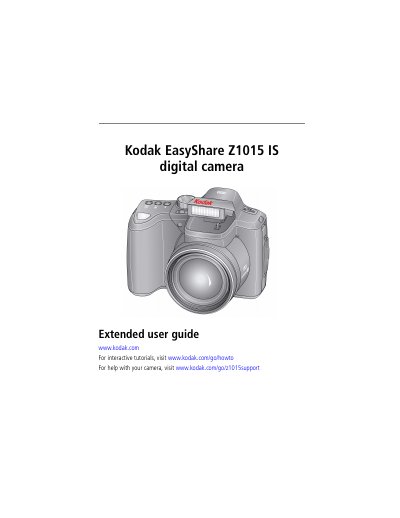
This guide explains how to set up, operate, and maintain the Kodak EasyShare Z1015 IS digital camera. It covers taking photos and videos, using features like 15X optical zoom and flash, reviewing and editing media, transferring files, and troubleshooting common issues. The manual also includes camera specifications and support resources.
| Sensor | 1/2.33-type CCD |
|---|---|
| Effective Pixels | 3648 x 2736 (10.0 MP) |
| Lens | 15X optical zoom lens, 28–420 mm (35 mm equivalent); f/3.5–f/5.4 |
| Image Stabilizer | Sensor-shift type |
| Digital Zoom | 5.0X continuous |
| Shutter Speed | 1/30–1/1000 sec. in Smart Scene/Smart Capture; 16–1/1000 sec. in PASM |
| LCD | 7.6 cm (3.0 in) color hybrid LCD; 230 K dots; 30 fps |
| Internal Storage | 64 MB (49 MB available for image storage) |
| Focus System | TTL-AF (through-the-lens auto focus); Multi-zone AF , Center-zone AF , and Selectable AF |
Use the LCD to frame your subject, then press Telephoto (T) or Wide (W) to zoom in/out.
Turn off the camera, connect the cable, and wait for the charging light to turn steady (approximately 3.5 hours).