
Creative VF0880 is a webcam, supporting Windows and Mac systems, with 880-megapixel resolution and 720P resolution, supports autofocus and auto white balance, with a built-in microphone, and powered by USB.
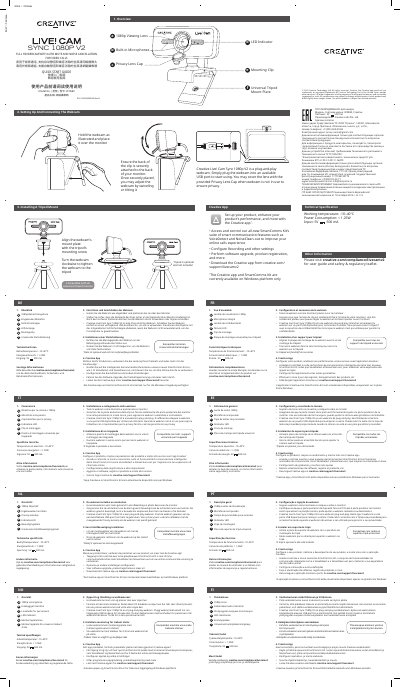
The Creative VF0880 is identified in the guide as the Creative Live! Cam Sync 1080p V2, a plug-and-play webcam with a 1080p viewing lens, built-in microphones, an LED indicator, and a privacy lens cap. The guide explains how to place it over a monitor, secure the mounting clip, and adjust the webcam by swiveling or tilting it. It also describes installing the webcam on an optional universal tripod mount, which is not included.
The technical specification lists a working temperature of -10–40°C, power consumption below 1.25W, and a 5V 500 mA input. The Creative app can be used for recording settings, software upgrades, and product registration, and the text states that the Creative app and SmartComms Kit are currently available on Windows only.
| Viewing lens | 1080p |
|---|---|
| Working temperature | -10–40°C |
| Power consumption | < 1.25W |
| Input | 5V 500 mA |
| Tripod mount compatibility | All universal tripod mounts |
| Creative app platform | Windows only |
It is plug-and-play: plug the webcam into an available USB port to start using it.
The input is 5V 500 mA.
The working temperature range is -10–40°C.
Yes, it is compatible with all universal tripod mounts; a tripod is optional and not included.