
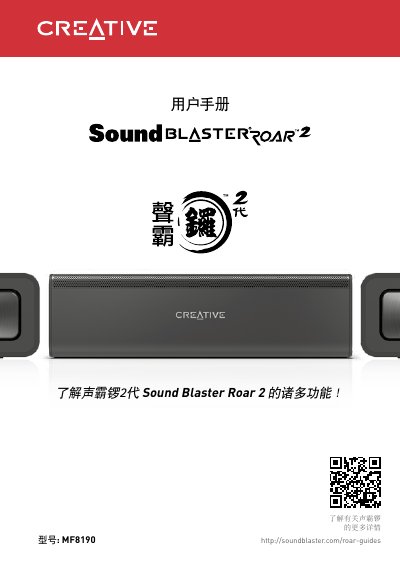
Sound Blaster Roar 2 user manual, introduces the product's technical specifications, compatibility statement, product registration, overview, how to turn off voice prompts, how to turn on voice prompts and other contents.
This manual covers how to charge, pair via Bluetooth or NFC, and use features like TeraBass mode and sleep timer. It also explains audio playback, recording, and phone call handling using the built-in microphone and microSD card support.
The speaker supports Bluetooth 3.0, aptX, and AAC codecs, with a 10-meter range. It can be powered by USB or an included AC adapter, and includes a sleep timer for gradual volume reduction during playback. This manual is written in Chinese.
| Bluetooth Version | Bluetooth 3.0 |
|---|---|
| Supported Codecs | SBC, aptX, AAC |
| MicroSD Card Support | Class 4, up to 32GB, FAT16/32 |
| Audio Formats | MP3, WMA, WAV (16 bit 48KHz PCM) |
| USB Input | 5V 1000mA |
| Operating Temperature | 0ºC to 35ºC |
Press and hold the volume down button and the multifunction button simultaneously after powering on the speaker.
Enable NFC on your device and tap it gently on the NFC receiver on the speaker.
The sleep timer gradually reduces playback volume over 15 or 30 minutes, then shuts off automatically.
Slide the switch to USB Audio, connect the speaker to a PC/Mac, and select it as the output device.