
Creative Digital MP3 Player FX120 is a multi-format player with a song library, USB 2.0 interface, FM radio and stereo recording.
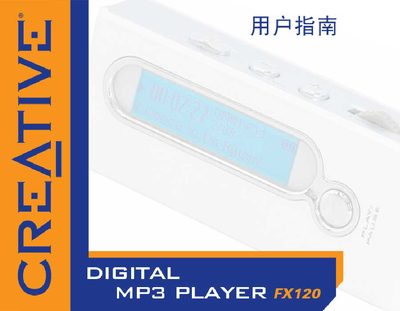
The Creative FX120 is a digital MP3 player. This manual explains how to operate the player, connect it to a computer via USB, and install the accompanying software.
It also lists the system requirements, including supported Windows versions, required RAM, storage capacity, and USB interface specifications.
| USB interface | USB 2.0 |
|---|---|
| Required RAM | 64 MB |
| Display resolution | 800 x 600 |
| Supported operating systems | Windows XP, Windows Me, Windows 2000, Windows 98 SE |
| Supported CPU | Intel Pentium II 350 MHz, AMD K6‑2 450 MHz |
The FX120 supports Windows XP, Windows Millennium Edition (Me), Windows 2000, and Windows 98 Second Edition (SE).
The player uses a USB 2.0 connection.
The device requires 64 MB of RAM.