
This guide covers the features, controls, connectivity options, and audio enhancement software for the Creative Sound Blaster Roar portable speaker.
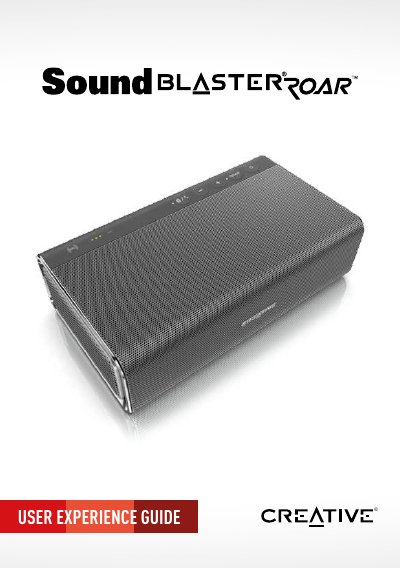
The Sound Blaster Roar is a portable 5-driver home stereo system designed to deliver powerful, spacious, and precise audio. It features a bi-amplified design with two dedicated amplifiers for high and low/mid frequencies, along with advanced technologies like ROAR Audio™ Power and Space-Filling Dispersion to enhance the listening experience.
| Driver Configuration | 5-driver system |
|---|---|
| Amplifier Design | Bi-Amplified (Two Amps) |
| High Frequency Drivers | Dual 1.5" premium drivers |
| Wireless Connectivity | Bluetooth and NFC |
| Playback Formats | WMA/MP3 |
Simply tap your NFC-enabled device on the Sound Blaster Roar to instantly pair and connect.
Yes, the Creative Multipoint technology lets you simultaneously connect TWO Bluetooth devices and easily toggle between them.
Press and hold the Siren / TeraBass Mode Button to activate the siren.