
This is the operation guide for the Canon FS-3140MFP+ fax machine
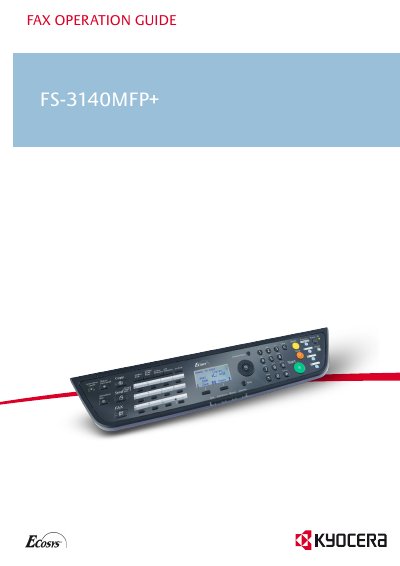
This guide provides step-by-step instructions for operating the Canon FS-3140MFP+ fax machine, including basic and advanced fax functions, setup, network configuration, and troubleshooting. It also includes safety warnings, legal notices, and technical specifications for proper use and compliance with FCC and Canadian IC regulations.
The guide covers essential operations such as automatic send/receive, redialing, delayed transmission, sub-address communication, and network fax setup. It also explains how to manage received documents, check transmission results, and configure settings like date/time, volume, and reception modes.
| REN (FCC) | 0.3 |
|---|
In most areas, the sum of RENs for all devices connected to a line should not exceed 5.0.
The REN for this product is 0.3.
You must use a No.26 AWG or larger UL listed or CSA certified telecommunication line cord.