
This is the user guide for Sound Blaster Omni Surround 5.1, which introduces the product features, such as package contents, system requirements, registration information, etc.
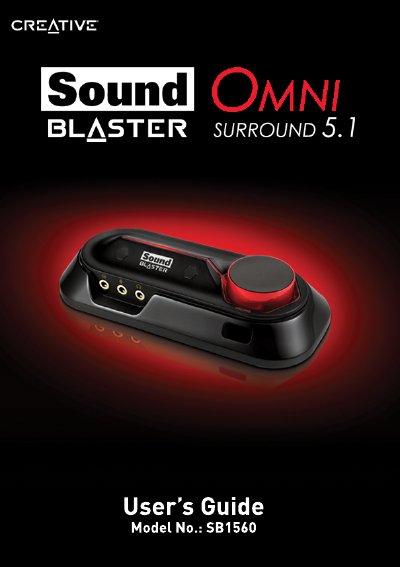
This manual covers the Sound Blaster Omni Surround 5.1 USB audio device, including a checklist of included components and minimum system requirements for Windows and Mac OS. It details the hardware connections, such as the Line-In, Microphone, and Optical inputs, and explains the functions of the device's volume controls and LED indicators. This manual is written in German.
| Processor Requirement (Windows) | Intel Core™2 Duo-Prozessor mit 2,2 GHz |
|---|---|
| RAM Requirement | 1GBRAM |
| Storage Requirement | 600 MB freier Festplattenspeicher |
| USB Connection | USB 2.0-Anschluss |
| Processor Requirement (Mac) | Intel Core 2 Duo Prozessor 2.8 GHz |
| Operating System (Mac) | Mac OS X 10.6 und höher |
The package includes the USB device, a 1.5m MicroUSB 2.0 cable, a Stereo Cinch-to-3.5mm adapter, and a remote control (in certain countries).
You can use the Creative Software AutoUpdate system to automatically analyze your configuration and download relevant updates.
You can visit the support.creative.com website or www.soundblaster.com for further information and technical support.