
This is a portable digital microscope that connects to a computer and displays magnified images of objects.
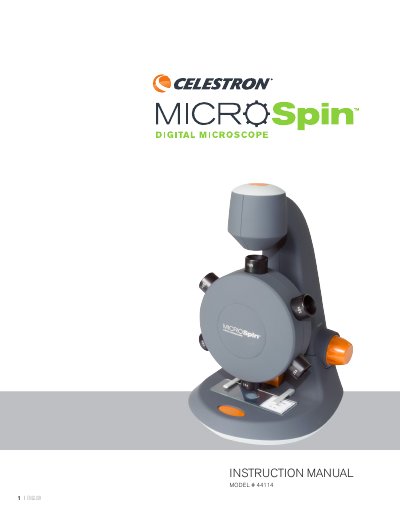
This manual provides instructions for the Celestron MicroSpin Digital Microscope (Model #44114). It explains how to install specimen slides, connect the device via USB, and operate the integrated software for capturing images and video. The device features an internal camera sensor and an objective wheel with six lenses ranging from 10x to 60x.
| Magnification Powers | 100x, 200x, 300x, 400x, 500x, 600x |
|---|---|
| Sensor | 2 MP CMOS |
| Image File Format | JPEG |
| Video Capturing Resolution | 320 x 240, 640 x 480 |
| Power | 5V, 250 mA |
| Dimensions | 8.19in. x 5.12in. x 6.02in. |
| Weight | 0.77 lbs / 350 g |
The device supports Windows 10/7/XP/Vista and Mac OS X 10.4.8x - 10.11x.
Rotate the objective wheel until the desired objective is directly over the specimen and you feel a 'click.'
Rotate the focusing knob while viewing the streaming image on the computer monitor until the image is in focus.