
This is the user guide for HP LaserJet MFP M438, M440, M442, M443 printer
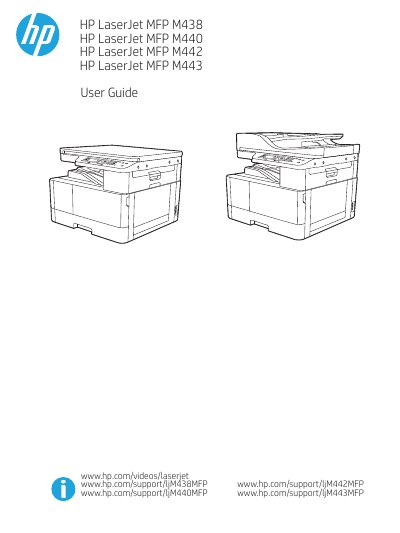
The document serves as a comprehensive manual for the HP LaserJet MFP series models M438, M440, M442, and M443. It covers essential topics including machine overview, safety information, and control panel navigation to help users understand device features.
| Network Interface | Hi-Speed USB 2.0, Ethernet 10/100 Base TX wired LAN |
|---|---|
| Supported Paper Sizes (Tray 2) | Letter, Legal, Oficio, B4, B5, Executive, A3, A4, A5, Statement |
| Supported Paper Weight (Tray 2) | 71 to 85 g/m2 |
| Toner Cartridge Life | Varies by model and usage |
Do not use inkjet photo print media, as it may damage the machine.
Remove and reinsert the toner cartridge, or replace it if defective.
It can be caused by loose toner due to high altitude usage or improper paper loading.