
HP LaserJet 3390/3392 All-in-One Start Guide

This is a HP LaserJet 3390/3392 all-in-one starter guide.
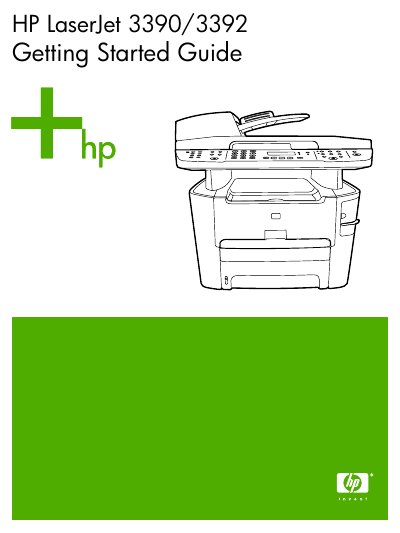

HP LaserJet 3390/3392 All-in-One Start Guide - cover page
Brand
HP
Category
Printer
Document type
User Manual
Language
English
Pages
29
File format
PDF
File size
624 KB
Published
16 October, 2023
Updated
16 October, 2023
MD5 checksum
59C6520DD8BBDFA952349233DD588A47

About this manual

The document serves as a Getting Started Guide for the HP LaserJet 3390 and 3392 all-in-one devices. It details the initial hardware setup process, including preparing the location, verifying package contents, installing components like the automatic document feeder (ADF) and trays, and connecting power and cables.

What's inside

  • Setting up the all-in-one
  • Verify the package contents
  • Install the print cartridge
  • Connect to a Windows computer
  • Clearing print jams
  • Preventing spots and streaks on scans

Frequently asked questions

What are the recommended temperature and humidity ranges for the device?

The recommended range is 15 to 32.5°C (59 to 90.5°F) and 10 to 80% relative humidity.

Are USB and network cables included in the package?

No, the USB and network cables are not included.

Download PDF (624 KB)

More HP Manuals


View all HP manuals →