
Antec Atlas Quiet Mini Server Case User's Manual

This user manual introduces the features and usage of Antec Atlas Quiet Mini Server Case.
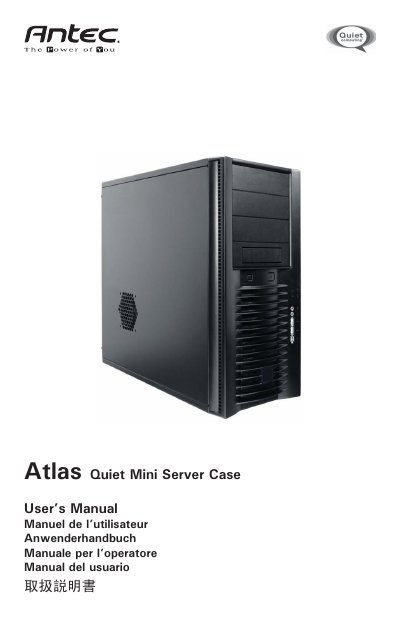

Antec Atlas Quiet Mini Server Case User's Manual - cover page
Brand
Antec
Category
Other Computer Accessories
Document type
User Manual
Language
English
Pages
7
File format
PDF
File size
79 KB
Published
16 October, 2023
Updated
16 October, 2023
MD5 checksum
31194D3FC62638BFAC9A4E7A20178DFC

About this manual

This user manual guides you through setting up the Antec Atlas Quiet Mini Server Case. It covers initial setup steps, such as checking the power supply voltage switch and removing the front bezel. The guide also details how to install the motherboard, connect power and LED cables, and attach USB and FireWire ports.

What's inside

  • Setting Up
  • Installing the Motherboard
  • Connecting the Power and LED
  • Connecting the USB Ports
  • Connecting the IEEE 1394 Port
  • Connecting the Audio Ports
  • Hard Disk Installation
  • 5.25" Device Installation
  • Cooling System

Specifications

Power Supply Wattage550 Watt
Fan Size (Rear)120mm
Fan Voltage (Rated)DC 12V

Frequently asked questions

What voltage should the power supply be set to for North America?

The voltage switch should be set to 115V for North America, Japan, etc.

Does this manual cover CPU or RAM installation?

No, this manual does not cover CPU, RAM, or expansion card installation.

What is the minimum voltage required to start the TriCool™ fan?

The minimum voltage to start the fan is 5V.

Download PDF (79 KB)

More Antec Manuals


View all Antec manuals →