
Key facts
- Brand
- EtherWAN
- Model
- Firmware 4.02
- Category
- Other Electronics
- Documents
- 2
- Languages
- EN
- Last added
- 2023-10-16
Start here
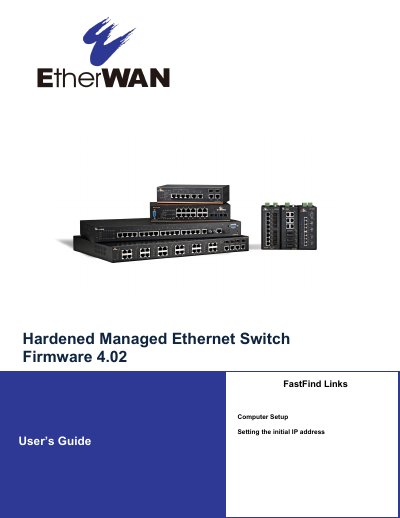
EtherWAN Managed Switch Firmware 4.02.3.2 Users Manual
This manual provides instructions for configuring EtherWAN managed switches running firmware version 4.02. It covers initial setup, including setting the initial IP address and default credentials. The guide details management methods and protocols such as CLI commands and the web interface for system configuration.
Read onlineAll EtherWAN Firmware 4.02 documents by type
Day-to-day operation, settings and troubleshooting. Start here if the product is already set up.
Questions answered in these manuals
Which EtherWAN switch models are supported by this manual?
This manual supports EtherWAN switches running firmware version 4.02, including the EX61000, EX63000, EX71000, EX73000, EX78000, EX87000, EX77000, and EX27000 models.
How can I configure the initial IP address for the switch?
You can set the initial IP address using the Computer Setup section or by configuring it via the CLI under the IP Address settings.
Which EtherWAN switch models are supported by this manual?
This manual covers EtherWAN switches running firmware version 4.02, including the EX61000, EX63000, EX71000, EX73000, EX78000, EX87000, EX77000, and EX27000 models.
From: EtherWAN Managed Switch Firmware 4.02.3.2 Users Manual
What is the maximum distance for PoE extension?
The switch can extend PoE to 250 meters.
From: EtherWAN Managed Switch Firmware 4.02.3.2 Users Manual