
network camera (ip7139) is a high-performance web-ready camera that can be part of a flexible surveillance system.
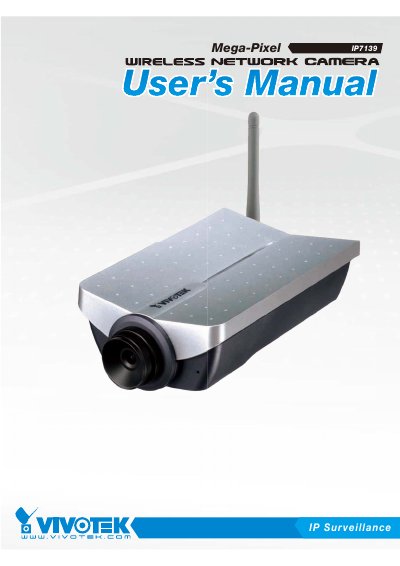
The Vivotek IP7139 is a high-performance network camera designed for video sharing and general security/surveillance applications. This user's manual covers hardware installation, software setup via an Installation Wizard, and initial access procedures including setting up administrator passwords and network configurations.
The guide details how to use the camera's features such as digital zoom, MP4 recording, snapshots, motion detection, and audio settings. It also includes sections on system maintenance, firmware upgrades, troubleshooting common errors, and a list of technical specifications.
| Resolution (Motion JPEG) | 1280x1024 |
|---|---|
| Resolution (MPEG-4) | 800x600 |
| Frame Rate (1280x1024) | up to 7.5 fps |
| Frame Rate (640x480) | up to 30/25 fps |
| Sensor | Micron MT9M111 1/3 inch SOC MegaPixel CMOS |
| Lens Focal Length | 4.0mm |
| Operating Temperature | 0-50°C / 32-122°F |
The default Administrator's password is blank.
Yes, the Administrator can set up a maximum of twenty (20) user accounts.
The user name for the Administrator is permanently assigned as 'root'.