
This manual provides user instructions on FD836B-(E)HVF2, FD836B-(E)HTV, FD8382-(E)VF2, FD8382-(E)TV Fixed Dome Network Cameras. It covers physical description, hardware installation, network deployment, software installation, ready to use, accessing the network camera, configuration, main page, client settings, and maintenance.
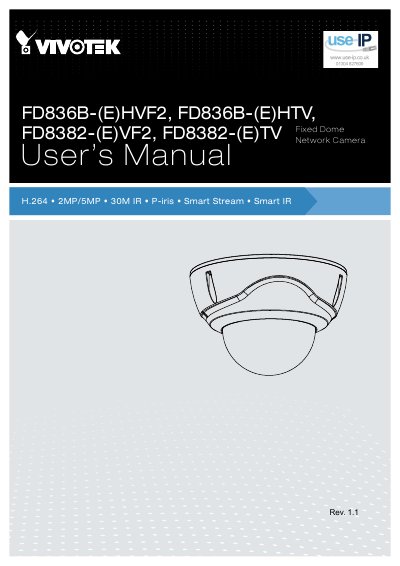
The document serves as a comprehensive user guide for the VIVOTEK FD836B and FD8382 series of fixed dome network cameras. It covers hardware installation, network deployment, software setup, and detailed configuration options via web browsers or mobile devices.
Key features discussed include auto-focus capabilities (for specific models), Smart Stream technology, P-iris control, and various environmental ratings like IP66 and IK10. The guide also details how to access the camera using different protocols such as Web Browsers, RTSP players, and VIVOTEK recording software.
The manual covers the FD836B-(E)HVF2, FD836B-(E)HTV, FD8382-(E)VF2, and FD8382-(E)TV models.
The cameras offer a viewing resolution of 1920x1080 at up to 30 fps.
The camera body has an IP66-rated housing to withstand rain, dust, and high pressure water jets.