
Vivotek IP7151/IP7152 Network Camera User's Manual

This is a network camera that can be used for video surveillance and other scenarios
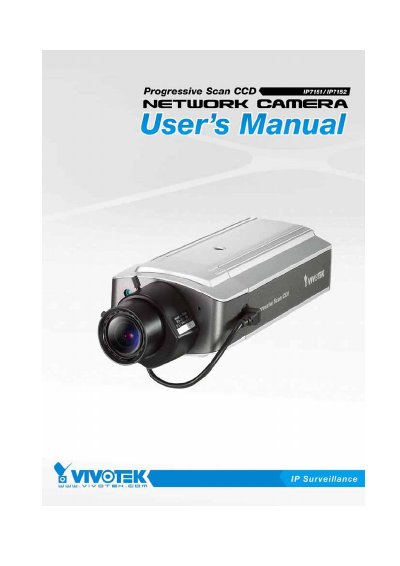

Vivotek IP7151/IP7152 Network Camera User's Manual - cover page
Brand
Vivotek
Category
Other Electronics
Document type
User Manual
Language
English
Pages
106
File format
PDF
File size
1.9 MB
Published
16 October, 2023
Updated
16 October, 2023
MD5 checksum
FF032572800EB7EFA98B10080C2AFE47

About this manual

The Vivotek IP7151 and IP7152 are high-performance web-ready network cameras designed for video sharing and general security/surveillance applications. The device features a Progressive Scan CCD sensor and supports both wired Ethernet connections (UTP Category 5, up to 100 meters) and wireless LAN modes for the IP7152 model.

What's inside

  • Package Contents
  • Hardware Installation
  • Software Installation
  • Initial Access
  • Authentication
  • Main Screen with Camera View
  • Digital ZOOM
  • MP4 Recording
  • Network Settings
  • Troubleshooting

Specifications

Sensor TypeProgressive Scan CCD
Cable RequirementUTP Category 5, max 100 meters
Power LED Status (Alive)Blinks green every other second

Frequently asked questions

What is the maximum length for the Ethernet cable?

The Ethernet cable should not exceed 100 meters in length.

How does the status LED indicate the device is alive?

The status LED will blink green every other second as heartbeats to indicate the device is alive.

What happens if the Ethernet cable is not available on an IP7152?

If the Ethernet is not available, the IP7152 will switch to wireless LAN mode.

Download PDF (1.9 MB)

More Vivotek Manuals


View all Vivotek manuals →