
This manual introduces the basic use of the vivotek Wireless Network Camera (PZ6114/6124), including product overview, package contents, installation, configuration, operation, and troubleshooting.
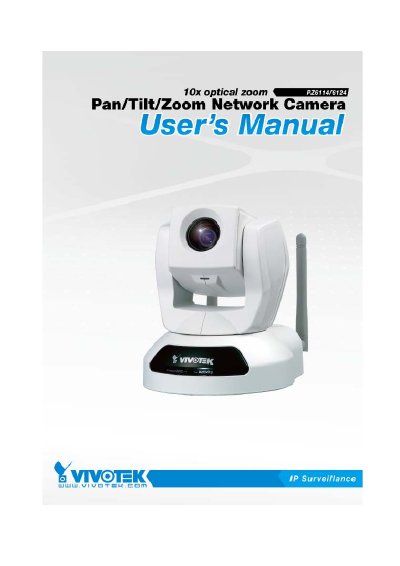
The Vivotek PZ6114/6124 is a high-performance wireless network camera designed for video sharing and general security/surveillance applications. The device features a pan/tilt/zoom mechanism and supports both Ethernet and WLAN connectivity. Before installation, users must verify the package contents include items such as the power adapter, A/V cable, antenna, remote controller, and software CD.
| Product Type | Pan/Tilt/Zoom Network Camera |
|---|---|
| Supported Models | PZ6114/PZ6124 |
| Release Date | December 9, 2008 |
| Network Interface | Ethernet and Wireless LAN |
After powering up, if the self-test passes, the LEDs will shut off and the Network Camera will be on stand-by and ready for software installation.
The Network Camera will automatically switch to wireless LAN mode to connect.