
VIVOTEK SD8111/SD8121 Network Camera Quick Installation Guide

This quick installation guide provides you with the steps required to quickly install the SD8111/SD8121 network camera.
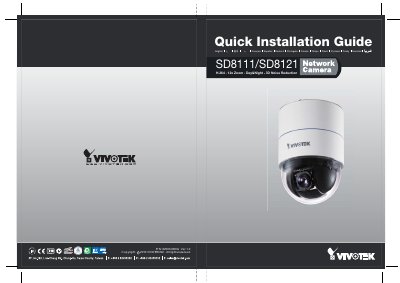

VIVOTEK SD8111/SD8121 Network Camera Quick Installation Guide - cover page
Brand
Vivotek
Category
Digital cameras
Document type
Quick Start Guide
Language
English
Pages
12
File format
PDF
File size
2.3 MB
Published
16 October, 2023
Updated
16 October, 2023
Models
SD8111, SD8121
MD5 checksum
883415FE0509B9A5E78E1547C5207C68

About this manual

This document is a Quick Installation Guide for the VIVOTEK SD8111 and SD8121 network cameras. It details the safety warnings, unpacking checklist, and step-by-step procedures for mounting the camera hardware to a ceiling or wall using the provided bracket and accessories.

What's inside

  • Safety Warnings
  • Package Contents
  • Hardware Installation
  • Cable Connections
  • Software Installation
  • Network Configuration

Specifications

Video CompressionH.264
Optical Zoom12x
Noise Reduction3D Noise Reduction
Ethernet Interface10/100 RJ45

Frequently asked questions

What should I do if the camera emits smoke or an unusual smell?

Turn off the camera immediately and contact your distributor.

Where is the Ethernet port located on the camera?

The Ethernet port is a 10/100 RJ45 socket.

What software is required to install the camera?

You must run the 'Installation Wizard 2' from the Software Utility directory on the CD.

Download PDF (2.3 MB)

More Vivotek Manuals


View all Vivotek manuals →