
Key facts
- Brand
- Vivotek
- Model
- SD8121
- Category
- Digital cameras
- Documents
- 2
- Languages
- EN
- Last added
- 2023-10-16
Start here
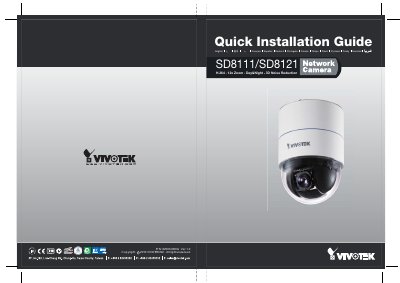
VIVOTEK SD8111/SD8121 Network Camera Quick Installation Guide
This document is a Quick Installation Guide for the VIVOTEK SD8111 and SD8121 network cameras. It details the safety warnings, unpacking checklist, and step-by-step procedures for mounting the camera hardware to a ceiling or wall using the provided bracket and accessories.
Read onlineVIVOTEK SD8121 specifications
| Video Compression | H.264 |
|---|---|
| Optical Zoom | 12x |
| Noise Reduction | 3D Noise Reduction |
| Ethernet Interface | 10/100 RJ45 |
Source: VIVOTEK SD8111/SD8121 Network Camera Quick Installation Guide
All VIVOTEK SD8121 documents by type
The shortest path to a working setup, usually only a few pages.
Questions answered in these manuals
What should I do if the camera emits smoke or an unusual smell?
Turn off the camera immediately and contact your distributor.
From: VIVOTEK SD8111/SD8121 Network Camera Quick Installation Guide
Where is the Ethernet port located on the camera?
The Ethernet port is a 10/100 RJ45 socket.
From: VIVOTEK SD8111/SD8121 Network Camera Quick Installation Guide
What is the maximum zoom capability of this camera?
The network camera features a 12x zoom.
From: Vivotek SD8111/SD8121 Network Camera Quick Installation Guide
How many screws are required to fix the mount bracket to the ceiling?
You must use three screws to secure the mount bracket.
From: Vivotek SD8111/SD8121 Network Camera Quick Installation Guide