
This document is the user manual for VIVOTEK 2. It introduces the product's functions, features, usage methods and installation methods.
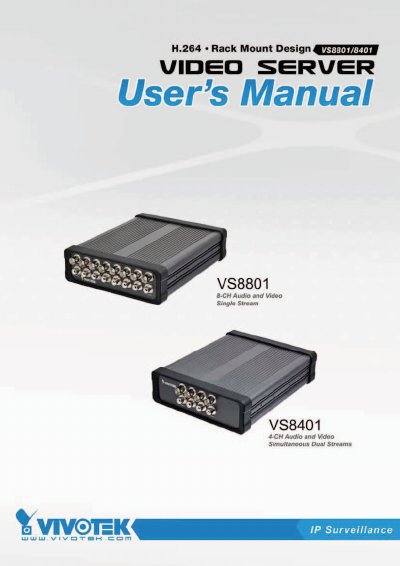
This manual provides instructions for the VIVOTEK VS8801 (8-CH) and VS8401 (4-CH) video servers, which convert analog video into digital streams using H.264, MPEG-4, and MJPEG formats. The devices feature intelligent video functions such as motion detection and camera tampering detection to upgrade analog cameras into intelligent surveillance solutions.
| Video Input | BNC Video Input |
|---|---|
| Audio Input | RCA Audio Input |
| Compression Format | H.264, MPEG-4, MJPEG |
| Network Interface | Ethernet 10/100/1000 |
| Power Input | DC 12V / AC 24V |
| Storage | SD/SDHC Card Slot |
The video server supports H.264, MPEG-4, and MJPEG formats for versatile applications.
Press and hold the recessed reset button until the status LED rapidly blinks; this takes about 30 seconds.
The VS8801 provides up to 500mA for 8 DI devices, while the VS8401 provides up to 500mA for 4 DI devices.