
This manual introduces the basic functions and operating methods of NR8201/8301 network video recorder, including installation, configuration, maintenance, etc.
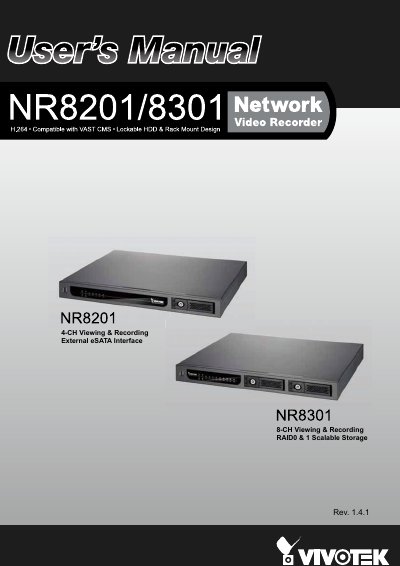
This manual provides instructions for the VIVOTEK NR8201 and NR8301 network video recorders, which offer real-time monitoring and recording for up to 8 channels. The devices support various video formats including H.264, MJPEG, and MPEG-4, and feature multiple recording modes such as alarm, scheduled, manual, and continuous recording.
| Video Channels | Up to 8-CH (NR8301) or 4-CH (NR8201) |
|---|---|
| Video Formats | H.264, MJPEG, MPEG-4 |
| Power Supply | 100V-240V AC |
| Network Ports | 8 x 10/100 RJ45 (LAN), 1 x Gigabit RJ45 (WAN) |
| Hard Disk Support | NR8201: 1 x 3.5" SATA I/II HDD up to 2TB; NR8301: 2 x 3.5" SATA I/II HDD up to 4TB |
| Storage Features | RAID 0 and RAID 1 (NR8301) |
| External Interface | eSATA |
The NVR comes with a default IP of 192.168.100.1 for initial setup.
Yes, the device supports 802.3af compliant PoE to reduce installation complexity.