
This is a flight manual that provides basic operating instructions for the G1000 flight instruments.
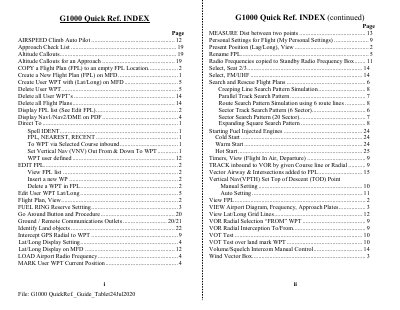
This document serves as a quick reference guide for pilots using the Garmin G1000 integrated avionics suite. It provides step-by-step instructions for essential tasks such as creating and editing flight plans (FPL), managing user waypoints, and viewing airport diagrams or frequencies.
The guide also details procedures for executing various approach types including ILS, GPS/RNAV, VOR, and LOC approaches. Additionally, it covers search and rescue flight plan simulations, personal settings configuration, and the use of the PFD and MFD screens for navigation and communication.
From the Flight Plan page, highlight the desired Waypoint, press ENTER, scroll to the frequency using the knobs, and press ENTER again to place it in the Standby box.
Push the FPL button, use the small knob to scroll to an empty location or push 'New', then spell the waypoint name using the knobs and press ENTER.
The leg length must be set between 1.0 and 99.9nm.
The sector track search pattern uses a total of six sectors.