
Vector CANoe/CANalyzer First Setup Manual

This manual describes the installation and configuration of CANoe/CANalyzer software
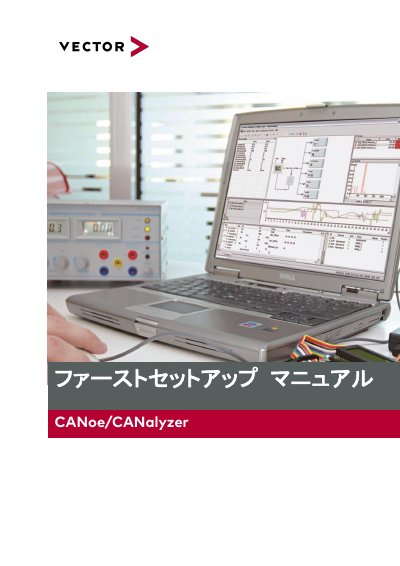

Vector CANoe/CANalyzer First Setup Manual - cover page
Brand
Vector
Category
Vehicle maintenance
Document type
User Manual
Language
Japanese
Pages
32
File format
PDF
File size
1.5 MB
Published
16 October, 2023
Updated
16 October, 2023
MD5 checksum
DBA104948CA3E7371E7D2DB643949CA8

About this manual

This document is the First Setup Manual for Vector CANoe/CANalyzer software. It provides step-by-step instructions for installing the necessary interface drivers and the main software suite. The guide covers the installation process for various hardware families, including the XL Family and VN Family interfaces. This manual is written in Japanese.

What's inside

  • Introduction
  • User Registration
  • Vector Customer Portal
  • First Setup Steps
  • Interface Driver Installation
  • Software Installation
  • Japanese Language Setup
  • Post-Setup Verification
  • Frequently Asked Questions
  • Contact Information

Frequently asked questions

What are the steps for the first setup?

The setup flow consists of three steps: installing/updating interface drivers, installing the software (CANoe/CANalyzer), and localizing the software to Japanese.

Where can I find the latest drivers?

The latest drivers can be downloaded for free from the Vector website's download center.

Download PDF (1.5 MB)

More Vector Manuals


View all Vector manuals →