
GL2000 Logger Family Manual, introduces the use and precautions of GL2000 Logger Family
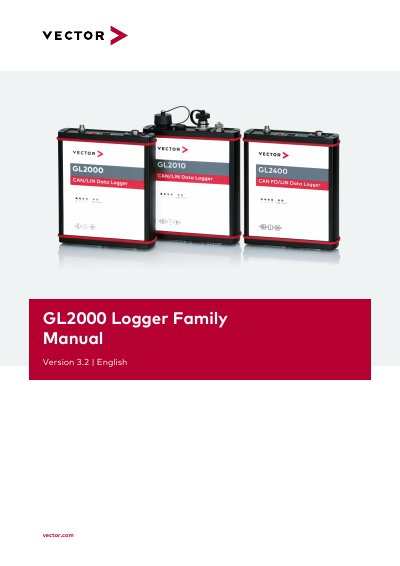
This user manual provides instructions for the Vector GL2000 Logger Family, including the GL2000, GL2400, and GL2010 models. It details the scope of delivery, operating modes, and hardware features such as front and back side components, LEDs, and battery replacement procedures. The document also explains how to replace piggybacks for various bus systems like CAN, LIN, MOST, and FlexRay.
| Supported Bus Systems | CAN, LIN, MOST and FlexRay |
|---|---|
| GL2000/2400 SD Card Capacity | Industrial grade SD cards up to 2GB |
| GL2000/2400 SDHC Card Capacity | Industrial grade SDHC cards up to 32GB |
| GL2010 Connection | IP65 connections |
Only skilled personnel who have understood the possible effects, are specifically trained, and have sufficient experience may operate the loggers.
The loggers may only be operated in a closed state; printed circuits must not be visible.
The TJA1055 transceiver is used for CAN Low-Speed.