
This user manual covers the installation, configuration, and usage of the Vector VX0312 Ethernet/CAN Interface for automotive and industrial applications.
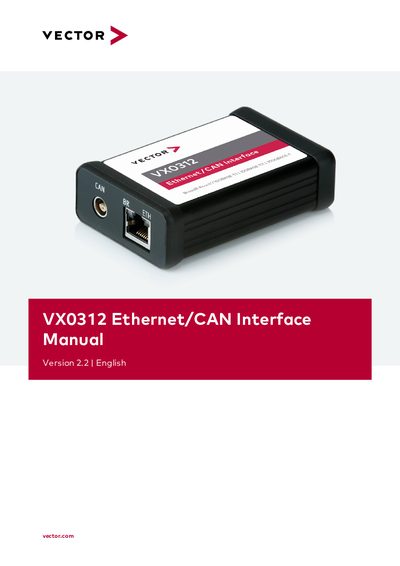
The Vector VX0312 is a compact interface designed to connect USB hosts to Ethernet and CAN networks. It supports standard Ethernet IEEE 802.3 (100Mbit/s, 1Gbit/s) or BroadR-Reach/100BASE-T1 via an RJ45 connector, as well as one High-Speed CAN channel (also CAN FD ISO) via a Lemo connector. The device is intended for use by skilled personnel in automotive and industrial environments.
| Ethernet Channels | 1x BroadR-Reach, IEEE 802.3 (100BASE-TX and 1000BASE-T) via BCM54810 and RJ45 connector |
|---|---|
| CAN Channels | 1xCAN High-Speed (CAN FD), DoIP Activation Line via NXPTJA1051 and Lemo connector |
| Operating Temperature Range | -40°C...+55°C |
| Storage Temperature Range | -40°C...+85°C |
| Dimensions | Approx. 86mm x 57mm x 26mm |
| Weight | 120 g |
No, hardware time synchronization is not available for this device; users must use software timesynchronization instead.
The device supports Windows 7 SP1 (32bit/64bit), Windows 8.1 (32bit/64bit), and Windows 10 (64bit).