
This manual describes the appearance and functions of the TrekStor DataStation picco SSD 3.0, as well as how to connect and use it.
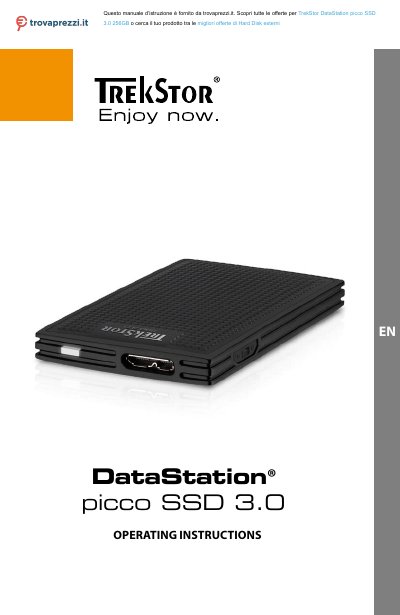
This document provides operating instructions for the TrekStor DataStation picco SSD 3.0, an external solid-state drive with a USB 3.0 interface designed for storing and accessing data on Windows and Mac computers. The device is available in versions with or without a write-protection switch to secure stored files.
| Dimensions (W x H x D) | 50 x 10 x 84 mm |
|---|---|
| Weight | ca. 33 g |
| Data transfer rate write | up to 280 MB/s |
| Data transfer rate read | up to 430 MB/s |
| Interface | 1x SuperSpeed USB 3.0 (Micro-USB 3.0 socket) |
| Supported operating systems | Windows 10 / 8.1 / 8 / 7 / Vista/ XP, Mac OS X 10.6 or above, Linux Kernel 2.6.x or above |
The statutory warranty period for consumer products is 24 months.
No, avoid using USB cables over 3 m in length to prevent data transfer interruptions.
The DataStation has been preformatted with the high-performance file system NTFS.