
This is a TrekStor Liro Color User Manual
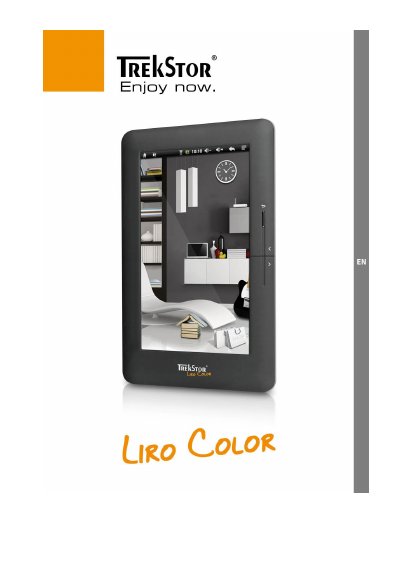
The TrekStor Liro Color is an eReader device equipped with a touch screen, micro-USB connectivity, and a microSD card slot. The device supports various functions including eBook reading, music playback, web browsing, and internet connectivity via Wi-Fi. It requires calibration of the touch panel after the first startup.
| Memory card support | microSD/microSDHC |
|---|---|
| Maximum storage capacity | 32 GB |
| Charging time | approx. 4 - 5 hours |
| Battery life cycles | about 10 charge cycles |
| Supported file systems | FAT32 |
Hold the power button for approx. 3 seconds to switch on. Press the button again for approx. 3 seconds to open the shut down menu and switch off.
It takes approximately 4 to 5 hours to fully charge the device when the display is turned off.
Adobe Digital Editions is required to transfer copy-protected eBooks (ePUB/PDF with DRM contents) to the device.