
This manual provides instructions for operating the TrekStor i.Beat GhettoBlaster mini MP3 player, including connecting to a computer, charging, data…
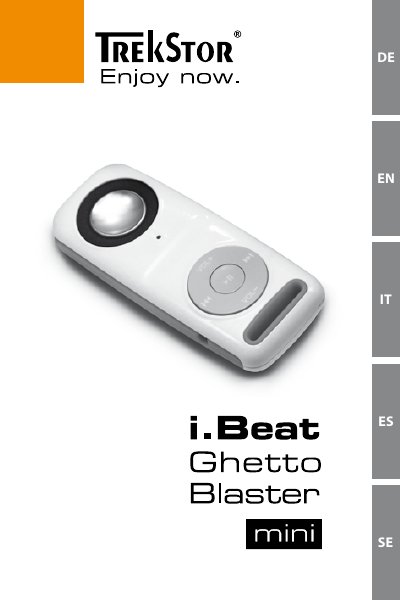
This user manual covers the operation of the TrekStor i.Beat GhettoBlaster mini MP3 player. It details the device's controls, including buttons for play/pause, volume adjustment, and track navigation, as well as the status LED indicators. The guide explains how to connect the device to a computer via USB for data transfer and charging, noting that the device uses an external microSD/SDHC card for storage. It also provides step-by-step instructions for formatting the device and transferring music files from Windows and Mac operating systems. This manual is written in German.
| Supported File Formats | MP3, WMA, OGG |
|---|---|
| System Requirements (Windows) | Windows XP/Vista/7 |
| System Requirements (Mac) | Mac OS X ab 10.4 |
| Storage Type | microSD/SDHC Card |
| Headphone Impedance | 32 ohm |
Press the A-button for approximately 2 seconds to turn the MP3 player on or off completely.
Connect the player to a computer, back up your data, and format the drive using the 'format' option in Windows or the 'Erase' option in Mac.
Remove the problematic file or perform a reset by pressing the reset button located at the rear end of the headphone jack.