
This document is the user manual for the TrekStor Pyrus ebook reader
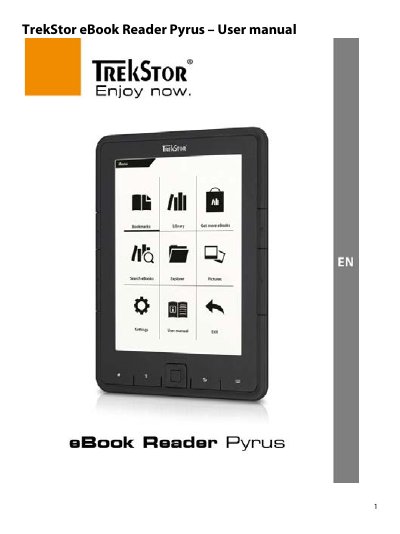
The TrekStor Pyrus is an eBook reader device equipped with control elements such as flip buttons, a navigation button, and a Micro USB port. The home screen displays recently read books, newly added titles, and access to the library via specific menu buttons.
Users can manage eBooks by transferring files from a computer or using Adobe Digital Editions for DRM-protected content. The device supports microSD/microSDHC cards up to 32 GB for expanded storage and features various reading settings like font size, line spacing, and auto-flip.
You can expand the storage capacity of this eBook Reader with memory cards of a size up to 32 GB.
Press and hold the power button for 2-3 seconds to switch the device on or off again.