
This is a TV box, which can cast the phone screen to the TV, and install and use TV applications.
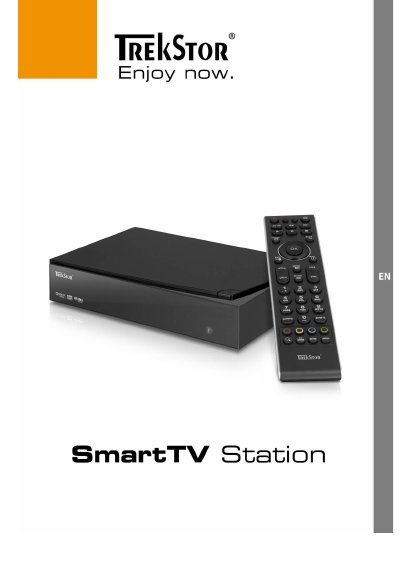
The TrekStor SmartTV Station is a multimedia device designed to play movies and videos. The document outlines package contents, including the unit, power supply, remote control, batteries, AV cable, and quick guide. It emphasizes safety instructions regarding ventilation, moisture protection, and proper placement on stable surfaces away from heat sources.
These buttons are used to select functions and actions inside the different menus, with the specific function appearing at the bottom of the screen.
You must place the device on a flat, stable surface and ensure it is not near a heater or in direct sunlight.
You must leave enough space around the device to provide adequate air circulation and never cover the ventilation slots.
The SmartTV Station turns on automatically as soon as it is connected to the electric grid.