
This manual contains user guides and maintenance tips for Acer One 10.
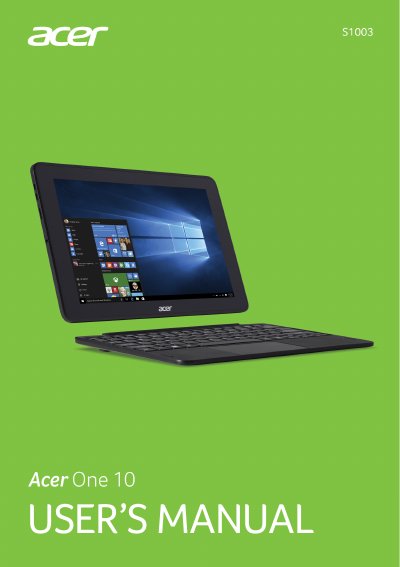
This manual provides comprehensive instructions for the Acer One 10C notebook, including initial setup, basic care, and usage of the keyboard and touchpad. It details how to manage power, charge the battery, and use various connectivity options like USB 3.0 and HDMI Micro.
The guide also covers system recovery procedures, security features such as passwords and Acer Bluelight Shield, and troubleshooting tips for common issues. Additionally, it offers advice on traveling with the computer and setting up a home office environment.
| Operating System | Windows 10 |
|---|---|
| Security Software | McAfee Internet Security Suite |
| Password Policy | Change every 90 days |
You can press the power button, the sleep hotkey, or select Power > Sleep from the Start menu.
Contact your nearest authorized Acer service center for assistance.