
The Acer Nitro 5 laptop user manual provides setup, usage, maintenance, battery safety, and troubleshooting guidance for models AN515‑45/56/57 and…
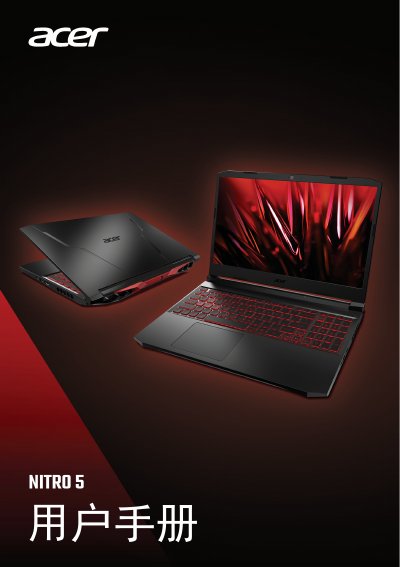
This manual covers the essential information for using the Acer Nitro 5 notebook series, including initial setup, operating the keyboard and touchpad, power management, connectivity options, and the NitroSense system utilities. Detailed instructions are provided for Windows desktop navigation, Bluetooth pairing, internet connection, and using the built‑in camera and audio devices.
Safety recommendations, battery handling, cleaning procedures, and troubleshooting steps are included, along with links to Acer’s online support resources. The guide also offers advice on protecting the device from malware and online threats. This manual is written in Chinese.
| Operating temperature range | 0 °C to 35 °C |
|---|---|
| Battery charging temperature range | 0 °C to 35 °C |
| Supported ports | HDMI, USB 3.2, USB‑C, Thunderbolt 4 |
Press the Windows key and select Power → Shut down, or right‑click the Start button and choose Shut down or sign out → Shut down.
Turn off the computer, disconnect the AC adapter, and wipe the surface with a lightly damp soft cloth; do not use liquids or spray cleaners.
Ensure the device is in a well‑ventilated area with ambient temperature between 0 °C and 35 °C, and stop charging if the battery reaches 100 % or the temperature exceeds the safe range.