
This document covers linking and installation procedures for the Mitsubishi Ducted Systems' RedLINK™ control devices
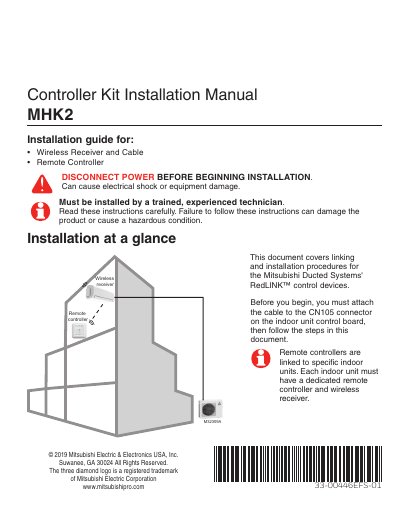
The document serves as an installation guide for the Mitsubishi Electric MHK2 Controller Kit. It details procedures for installing the wall plate, mounting the controller, connecting the wireless receiver (MCR31400), and linking devices to the RedLINK wireless network.
After physical installation, the manual covers initial setup steps, including configuring Function Codes and Installer Setup Options (ISU) via the touchscreen. It also explains how to access advanced menus for system tests, resetting settings, and managing device enrollment.
The manual identifies the wireless receiver as MCR31400.
Press and release the CONNECT button at the wireless receiver until the light stops flashing.
Access all reset options by pressing and holding the Menu button for 5 seconds.