
HP M283fdw Multifunction Printer Touch Screen Guide

This document introduces how to perform document copying, scanning, and printing using the HP M283fdw multifunction printer (printer / copier / scanner).
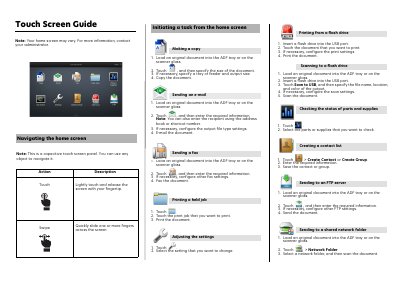

HP M283fdw Multifunction Printer Touch Screen Guide - cover page
Brand
HP
Category
Printer
Document type
User Manual
Language
English
Pages
1
File format
PDF
File size
107 KB
Published
16 October, 2023
Updated
16 October, 2023
Model
M283fdw
MD5 checksum
6C8C1E2242E588CB2C302727B48ABE2B

About this manual

This document serves as a quick reference guide for the touch screen interface of the HP M283fdw multifunction printer. It provides step-by-step instructions for navigating the home screen and performing common tasks such as copying, scanning, faxing, and emailing documents.

What's inside

  • Touch Screen Guide
  • Sending an e-mail
  • Making a copy
  • Sending a fax
  • Printing a held job
  • Printing from a flash drive
  • Checking the status of parts and supplies
  • Adjusting the settings
  • Creating a contact list
  • Sending to an FTP server

Frequently asked questions

What type of touch screen does this printer use?

The device uses a capacitive touch screen panel that allows navigation with any object.

How do you navigate the touch screen?

You can lightly touch and release the screen with your fingertip or quickly slide one or more fingers across it.

Where can you load an original document to scan or copy it?

You must load the document into the ADF tray or on the scanner glass.

Download PDF (107 KB)

More HP Manuals


View all HP manuals →