
Introduce the functions and usage of RMS MINI Logger.
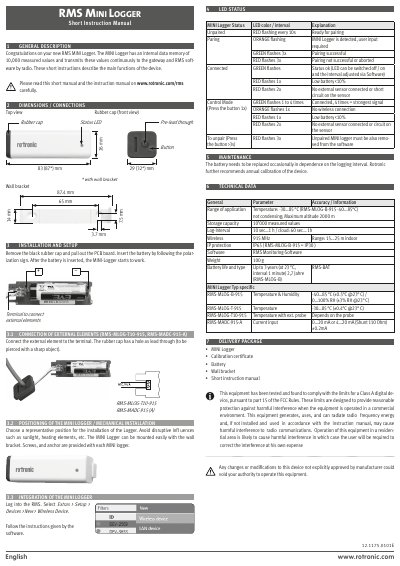
The Rotronic RMS MINI Logger is a compact device featuring an internal memory of 10,000 measured values. It transmits these values continuously to a gateway and RMS software via radio frequency (915 MHz). The manual provides instructions on installing the battery, connecting external elements like temperature probes or current inputs, and mounting the unit using the provided wall bracket.
| Internal Memory Capacity | 10,000 measured values |
|---|---|
| Wireless Frequency | 915 MHz |
| Indoor Wireless Range | 15...25 m |
| Operating Temperature (Temp only) | -30…85 °C |
| Maximum Altitude | 2000 m |
| Weight | 100 g |
| Battery Life | Up to 3 years |
The status LED will flash green three times to indicate a successful pairing.
A single red flash indicates that the battery is low (less than 10%).
Press the button for more than 3 seconds until the LED flashes red three times.
The device supports the RMS-MLOG-T10-915 temperature probe and the RMS-MADC-915-A current input.