
The document is in Chinese and introduces the use of Rotronic AG's HygroPalm HP22-A Hand-Held Indicator, including measured parameters, calculated parameters, service connectors, user configurable settings and functions, operation, maintenance, etc.
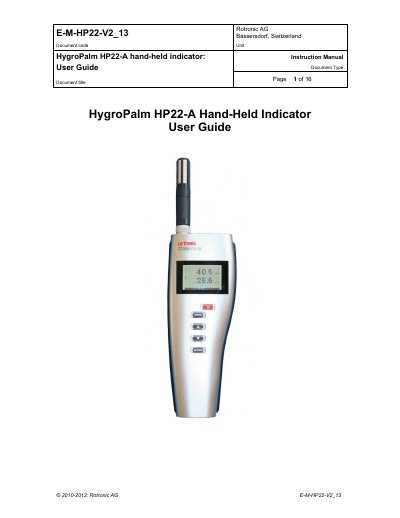
The document provides instructions for using the Rotronic HygroPalm HP22-A, a hand-held indicator that displays relative humidity, temperature, and calculated parameters like dew point. It details the device's power supply, measured parameters, and various user-configurable settings such as factory defaults, psychrometric calculations, and data recording capabilities.
The HP22 is a hand-held indicator that displays relative humidity, temperature, and a calculated parameter such as the dew or frost point.
The HP22 operates with a regular 9V alkaline battery.
The temperature operating range of the HP22 electronics is limited to -10…60°C.