
This manual introduces basic operation and settings of the Rotronic HygroPalm HP23-A / HP23-AW-A hand-held indicator.
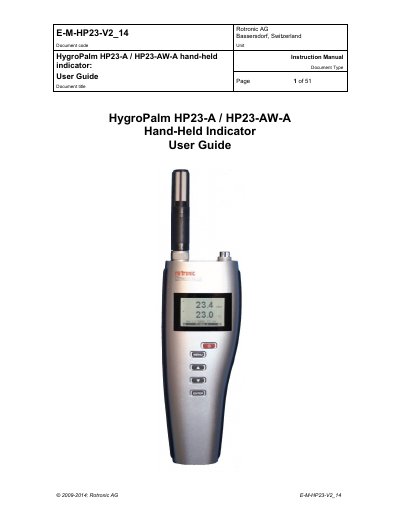
The document serves as a comprehensive instruction manual for the Rotronic HygroPalm HP23-A and HP23-AW-A hand-held indicators. It details the device's capabilities as a multifunction instrument, including its use as a general-purpose humidity and temperature indicator, a data logger with up to 10,000 records, and a calibrator for other Rotronic devices based on AirChip 3000 technology.
| Operating temperature range | -10...60°C |
|---|---|
| Measurement range (RH) | 0 to 100 %RH |
| Data logging capacity | up to 10,000 humidity-temperature value pairs |
| Data bins for capture | eight data bins... each capable of retaining up to 250 humidity temperature values |
| Power supply options | standard 9 V alkaline battery or with a rechargeable battery |
The Aw Mode is a specialized mode available only with model HP23-AW, used for measuring the water activity (Aw) of product samples and materials in bulk.
The AwQuick function permits measuring the water activity of most products in typically 5 minutes by starting simultaneously for both probe inputs and ending automatically.
Yes, the HP23 can be used as a calibrator for all Rotronic HygroClip 2 devices (probe, transmitter or other) to display measurement data and perform adjustments.
When recording data from two probes simultaneously, the recording capacity per probe is cut in half.