
The AFP1 is a smart air flow, humidity and temperature meter launched by ROTRONIC. It can measure wind speed, humidity, temperature, etc. The measurement range is 0.5-20 m/s, 0-100% RH, -10-50℃.
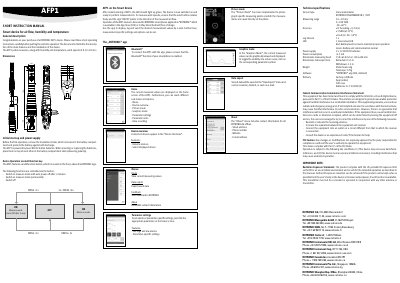
This document provides a short instruction manual for the ROTRONIC AFP1, a smart device designed to measure wind speeds, humidity, and temperature. The device features a vane anemometer sensor and connects to the ROTRONIC smartphone app via Bluetooth for data logging, graphical display, and alarm settings. Users can control measurement modes and export data using the app available on iOS and Android platforms.
| Sensor type | Vane anemometer |
|---|---|
| Wind speed range | 0.5 to 20 m/s |
| Humidity range | 0 to 100% RH |
| Temperature range | -20 to 60 C |
| Power supply | 2x 3V CR2032 batteries |
| Power consumption | < 5.3 mA |
| Log interval | 1s |
To connect the AFP1 with the app, please ensure that the Bluetooth function of your smartphone is enabled.
The AFP1 measures wind speeds from 0.5 to 20 m/s.
Press the multifunction button for 2 seconds to switch on the measure mode permanently.